October 2026: AI assistants, tunnel groups and sign-in by email
Connect Claude, ChatGPT, Cursor or VS Code by signing in, sort tunnels into groups, and sign in with a code we email you.
TunnelHQ team3 min read
Three things this month: connect your AI assistant by signing in, sort tunnels into groups, and sign in with a code we email you.
Connect your AI assistant by signing in
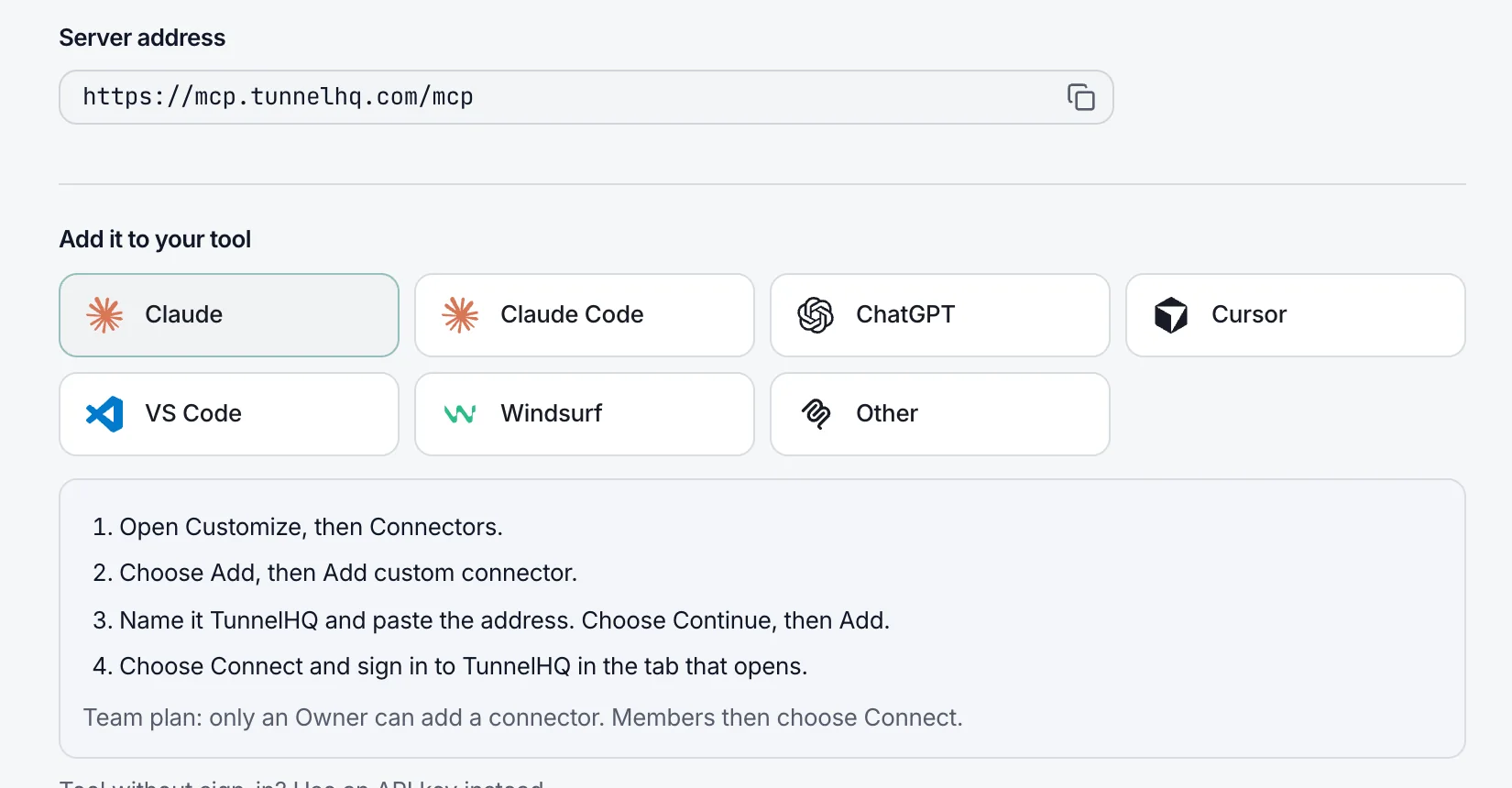
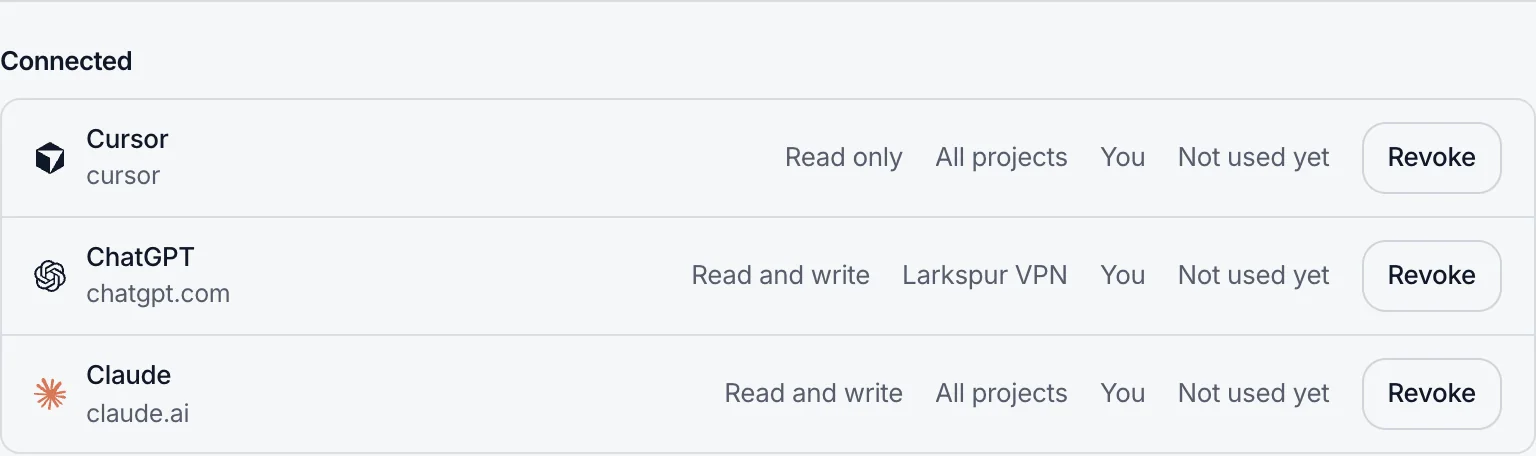
Claude, ChatGPT, Cursor and VS Code now connect to TunnelHQ by signing in once. There's no API key to copy, you choose whether the connection can only read or can also make changes, and you can revoke it any time under Developers → AI assistants.
The empty Uptime page has a Set up with your AI assistant card. Copy one prompt, and your assistant finds the sites, APIs, ports and cron jobs in your project, lists them, and adds them only after you say yes. The same option is in the Add menu on the Tunnels page and on the Uptime page's Checks and Heartbeats tabs. More about AI assistants
Groups for tunnels
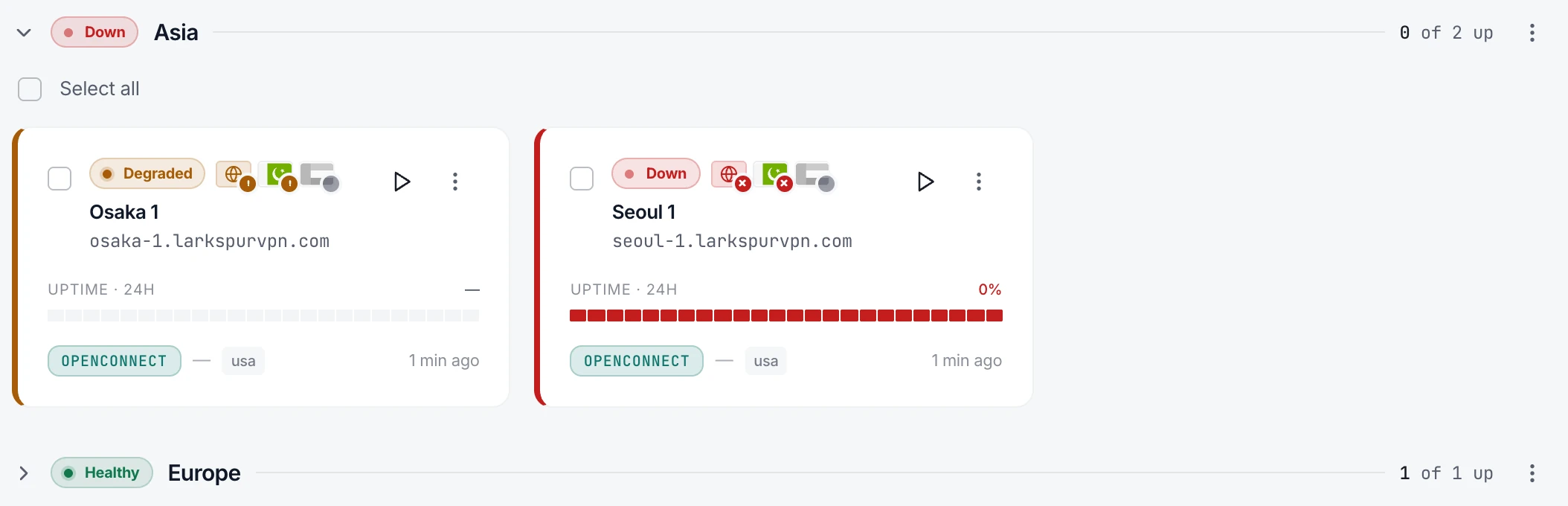
View your tunnels by group or by protocol, create a group, and see at a glance how many of its servers are up.
Sign in with a code from your email
Enter your email address and we send you a 6-digit code: no password needed. Signing in with a password is still one click away, and if you use an authenticator app, it still asks for its code.
Also new, improved and fixed
- Improved
The page where you approve an AI assistant shows TunnelHQ's mark beside the assistant's, and says plainly what it will and won't be able to do.
- Improved
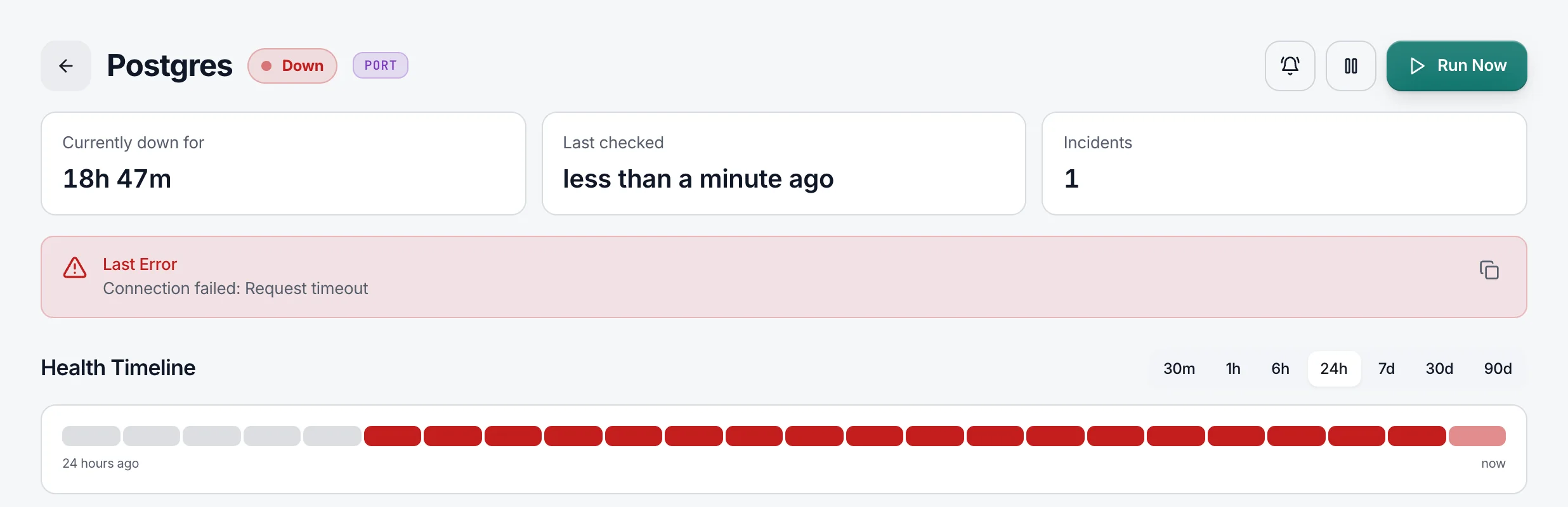
A health bar that was down for part of its time shows that share, not a whole red bar.
- Fixed
Deleting a project or workspace stops its Uptime checks straight away.
- Improved
Settings say workspace everywhere, not organization.
- Improved
Every tool your AI assistant can call has a plain title and says whether it only reads or also changes something, so the assistant knows when to ask first.
- Improved
The privacy policy now covers AI assistant connections, how long your data is kept, and every provider that receives it.
- Improved
The protocol picker shows each protocol's logo, its real name and a few words about what it is.
- Improved
The docs moved to docs.tunnelhq.com, and the REST API's OpenAPI file can be downloaded. Old links still work.
- Improved
The one-line CLI installer brings its own Node.js, so
thqinstalls even where Node is missing or too old. - Improved
The Probes column shows only when a tunnel has a probe, which leaves more room for the trend.
- Fixed
A notification channel's on/off switch answers at once, and saving a channel no longer takes seconds.
- Fixed
A check or webhook pointing at a hostname that doesn't exist now says so, instead of asking for a public hostname.
- Fixed
The Tunnels and Uptime tables keep Run and the row menu in view when you scroll sideways.
- Improved
Visitors in the EU, the EEA, the UK and Switzerland now choose whether to allow analytics cookies, with Accept and Decline given equal weight.