September 2026: Uptime monitoring, heartbeats and 16 more alert channels
Website, keyword, ping and port checks in beta, heartbeats for scheduled jobs, DNS checks, expiry alerts and new places to send alerts.
TunnelHQ team3 min read
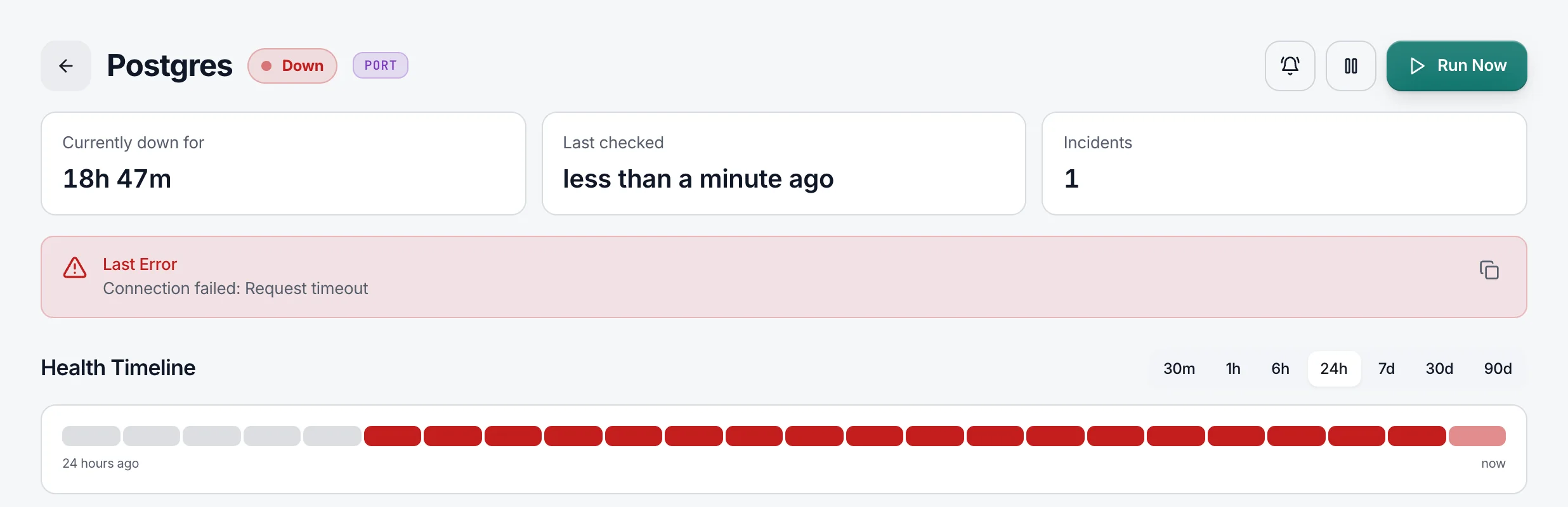
TunnelHQ now watches more than VPN servers. Uptime monitoring arrived in beta, with heartbeats for scheduled jobs, DNS checks, expiry alerts and 16 more places to send alerts.
Uptime monitoring, in beta
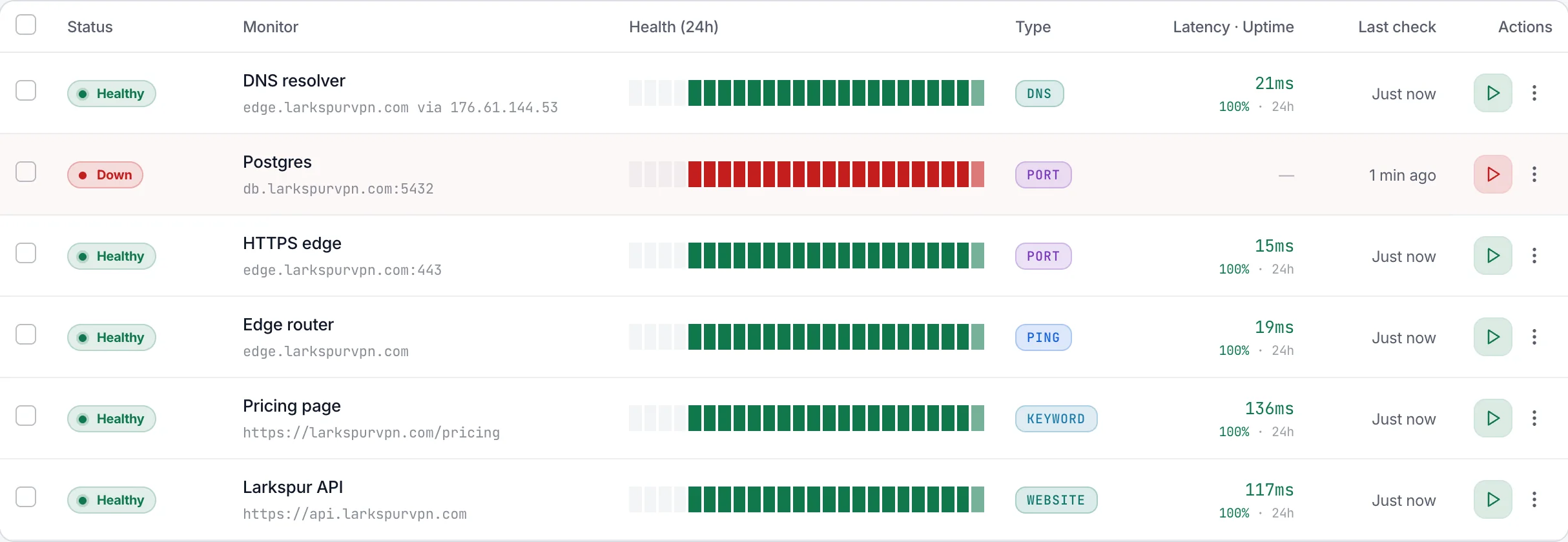
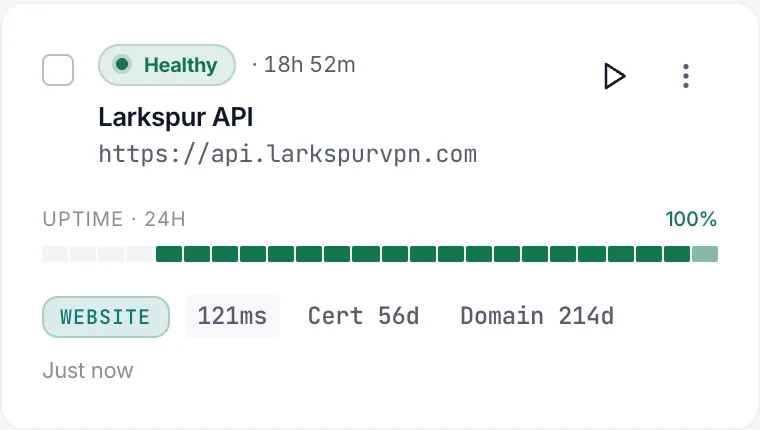
Website, keyword, ping and port checks sit in their own section beside Tunnels. During the beta, checks and heartbeats didn't count against your plan, only tunnels did. On Pro and above, a check can run from several locations at once and still counts as one check; its status follows most locations.
Heartbeats for cron jobs and backups
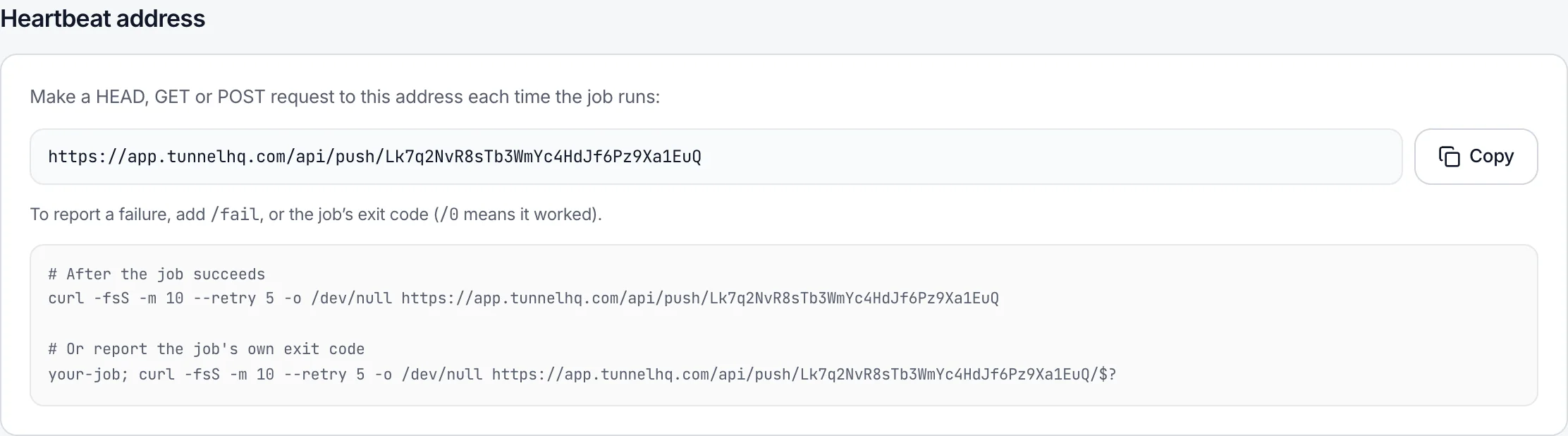
Each heartbeat gets a secret address for your job to call when it finishes. Report a failure with /fail or an exit code, and set a grace period before a missed call counts.
DNS checks and expiry alerts
DNS checks can run from several locations, like any other check. SSL certificate and domain expiry alerts open an Expiring incident before anything breaks.
16 more alert channels
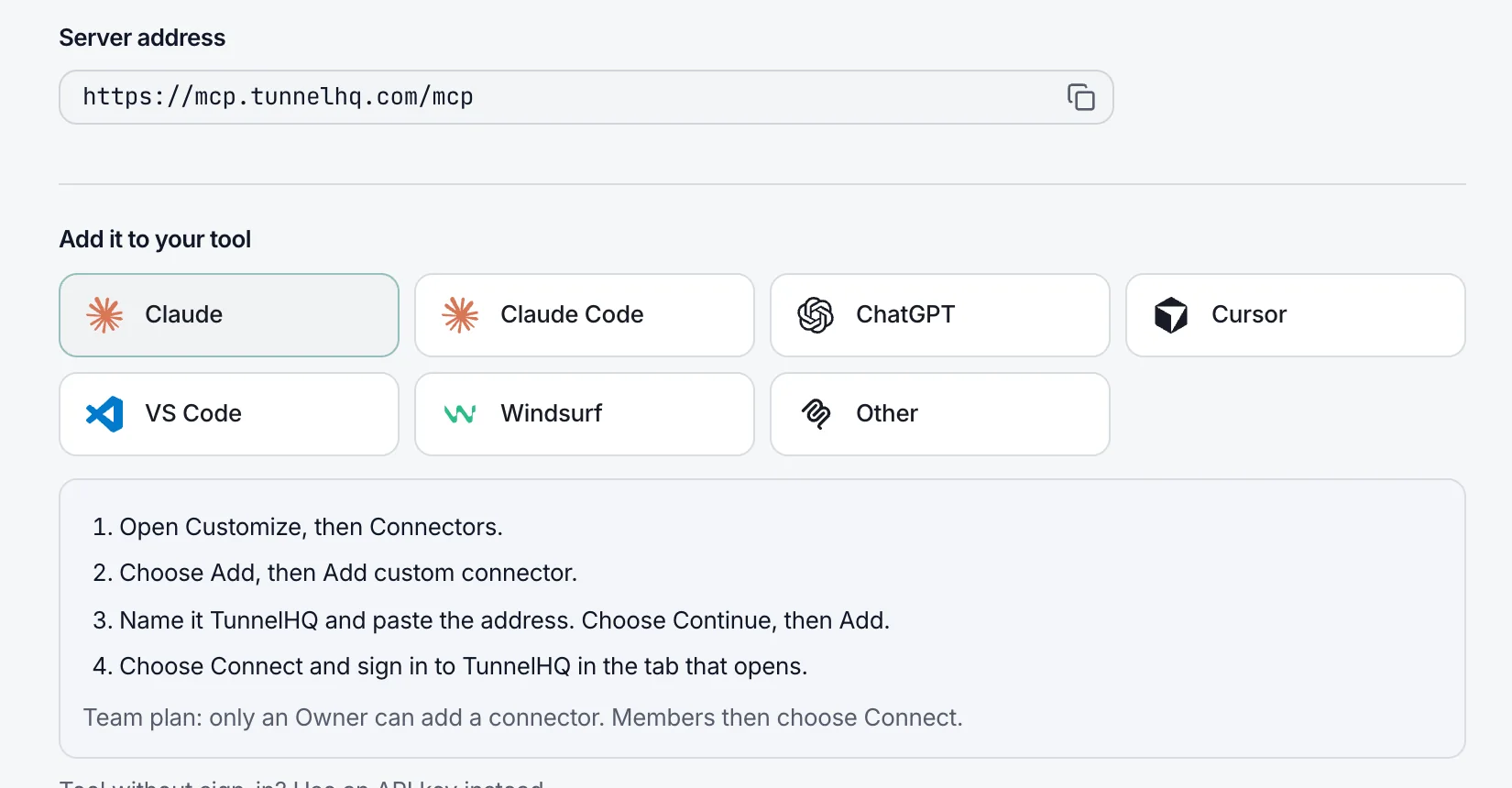
Discord, Microsoft Teams, Google Chat, Mattermost, Rocket.Chat, Matrix, Signal, PagerDuty, Opsgenie, Grafana OnCall, Squadcast, GoAlert, Splunk On-Call, ntfy, Gotify and Pushover joined email, Slack, Telegram and browser notifications, for 20 in all. See every channel
Also new, improved and fixed
- New
The REST API, the
thqCLI and the MCP server can create, change, pause and resume Uptime checks, DNS checks and heartbeats. - Improved
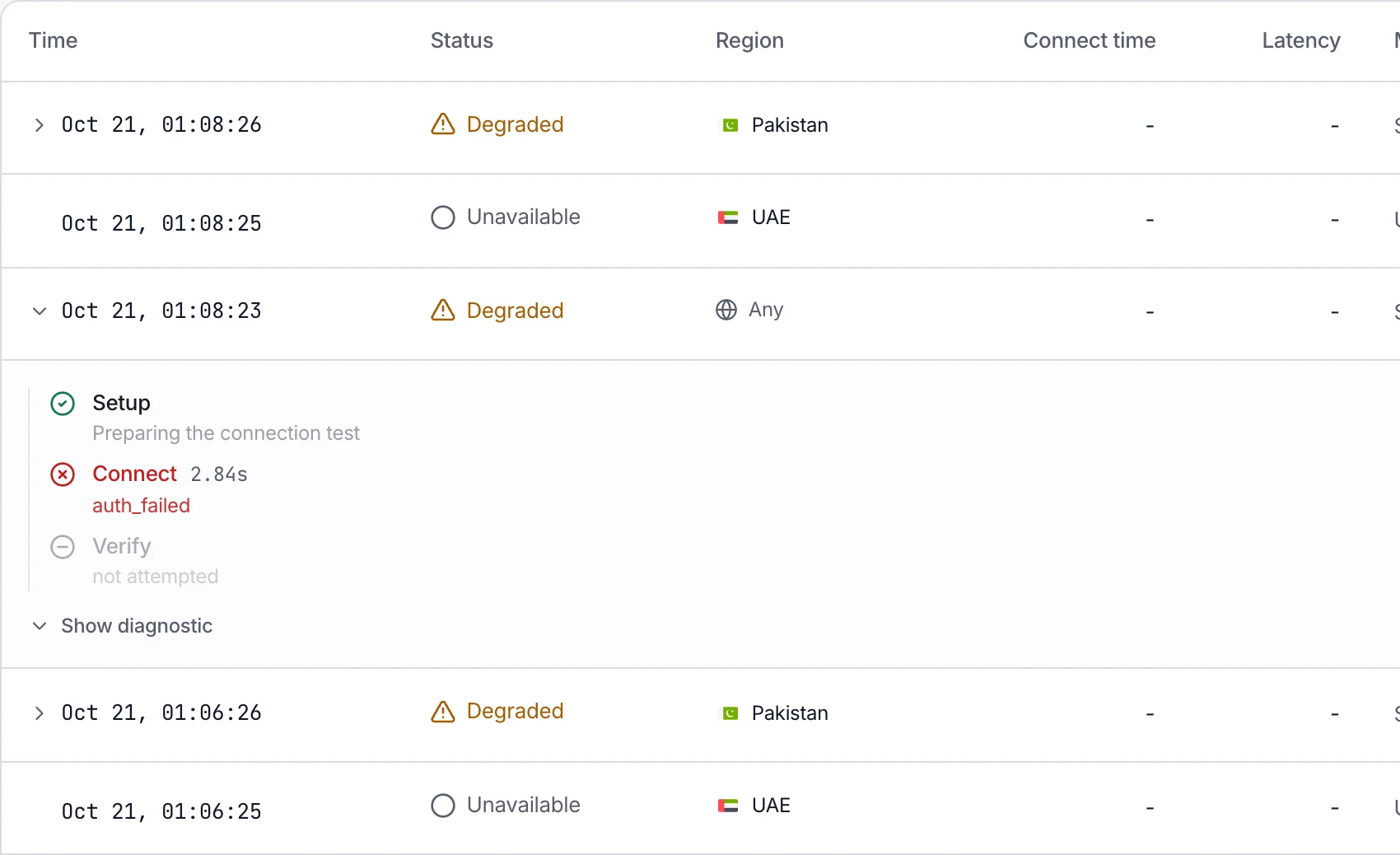
A tunnel's latency is now one round trip through the tunnel, shown beside the time it took to connect. History has a Connect time column, and the API and webhooks carry both numbers.
- Improved
A new tunnel alerts its project's channels whichever way it was added: dashboard, API, CLI or import.
- Fixed
A check that fails because of a problem on our side no longer counts as up or down for your server.
- Fixed
An IKEv2 server's port is optional when you add it by hand.
- New
Choose whether a website, keyword, ping or port check uses IPv4, IPv6 or both.
- Improved
Every request TunnelHQ sends to your servers introduces itself as TunnelHQ, so it's easy to recognise in your logs.
- Fixed
Deleting a project or a workspace from Settings → Advanced works again, and a pasted config that can't be saved says why.
- New
Each check has its own page with response times, an availability table, how long it has been up or down, and a Send test alert button.
- New
API checks can send the method, body, headers and basic auth you choose. Keyword checks ignore case.
- New
Filter the Incidents page to tunnels or to Uptime.
- Improved
Uptime checks and heartbeats open an incident only once a failure is confirmed, so a blip that passes on retry no longer leaves one behind.
- Fixed
A brand-new tag on an added or imported tunnel is saved, instead of being silently dropped.
- Improved
Steadier screens: pages keep their layout while numbers load, Back returns you to your place at once, and switching workspace keeps the app on screen.
- New
Set up your account replaces the getting-started checklist, and the tunnel list has a status filter and a search that grows as you type.
- Improved
Roles apply everywhere. Controls your role can't use look disabled, Settings hides tabs you can't open, and billing is for Owners only.
- Improved
TunnelHQ remembers the project you were last in for each workspace. The API keys page lists every key the workspace pays for, and any of them can be switched off.
- Improved
Adding a server by hand asks which protocol it uses, instead of assuming WireGuard.
- Fixed
Waiting for the verification email no longer uses up your verification link.
- New
A server that stays broken says so, for example
Unresolved for 3 hours — Credentials rejected
. - Fixed
Forgot password sends its email again, and Contact sales opens a working link.
- Fixed
Security fixes for sign-in, API keys and the handling of stored VPN credentials.
- Improved
Health is judged per protocol. A server that refuses your credentials reads Degraded, so you can tell it apart from one that's unreachable.