July and August 2026: better search, longer timelines and status at a glance
Ranked ⌘K search, health timelines up to 90 days, per-region results and live status counts above the tunnel list.
TunnelHQ team2 min read
A faster way around the app, a longer view of each tunnel's health, and status you can read at a glance.
Search ranks what you need
Search with ⌘K (Ctrl K on Windows and Linux) now ranks its results and remembers your recent searches.
A longer view of each tunnel's health
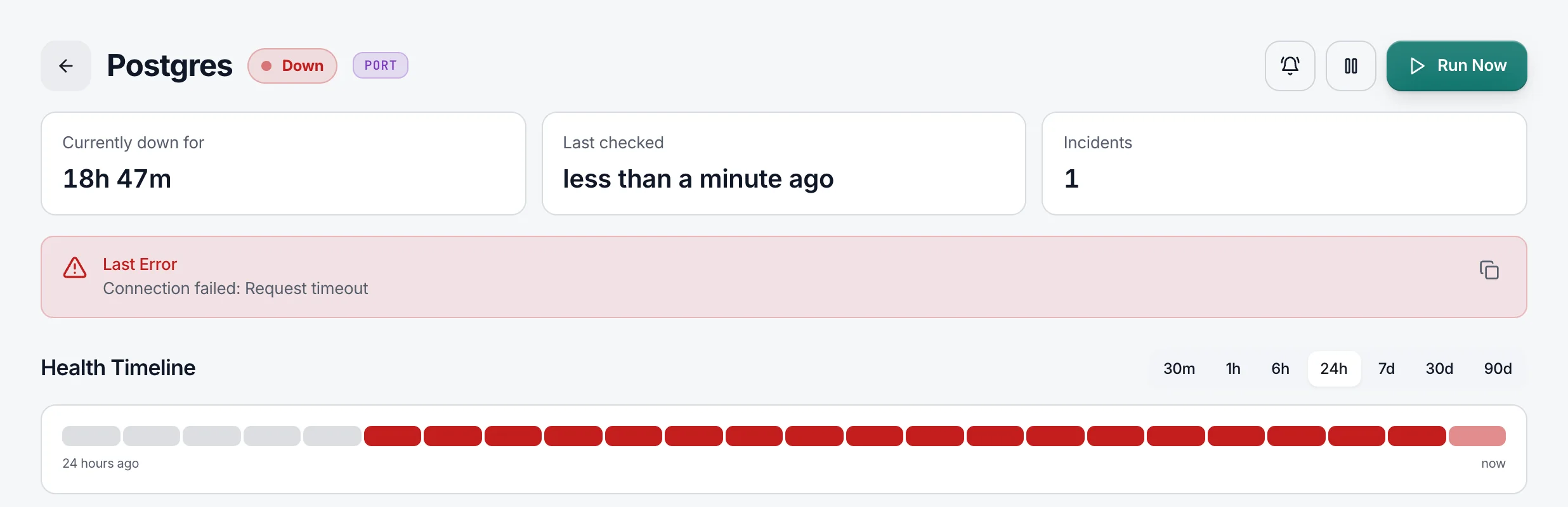
Choose how far back the health timeline goes, from 30 minutes to 90 days, on the tunnel list and on each tunnel's page; the longest ranges depend on your plan. Click a bar on the timeline to see its result in each region, with that period's uptime in the tooltip.
Status at a glance
Status chips above the tunnel list show live counts, with a Down filter that's always in view.
Also new, improved and fixed
- Fixed
Active sessions shows the real IP address and device of each sign-in.
- Fixed
Resuming a paused tunnel no longer swallows its next alert, and a server that keeps going up and down is recognised as flapping.
- Improved
On phones, search is always in view, and select all and bulk location changes are easy to use by touch.
- Fixed
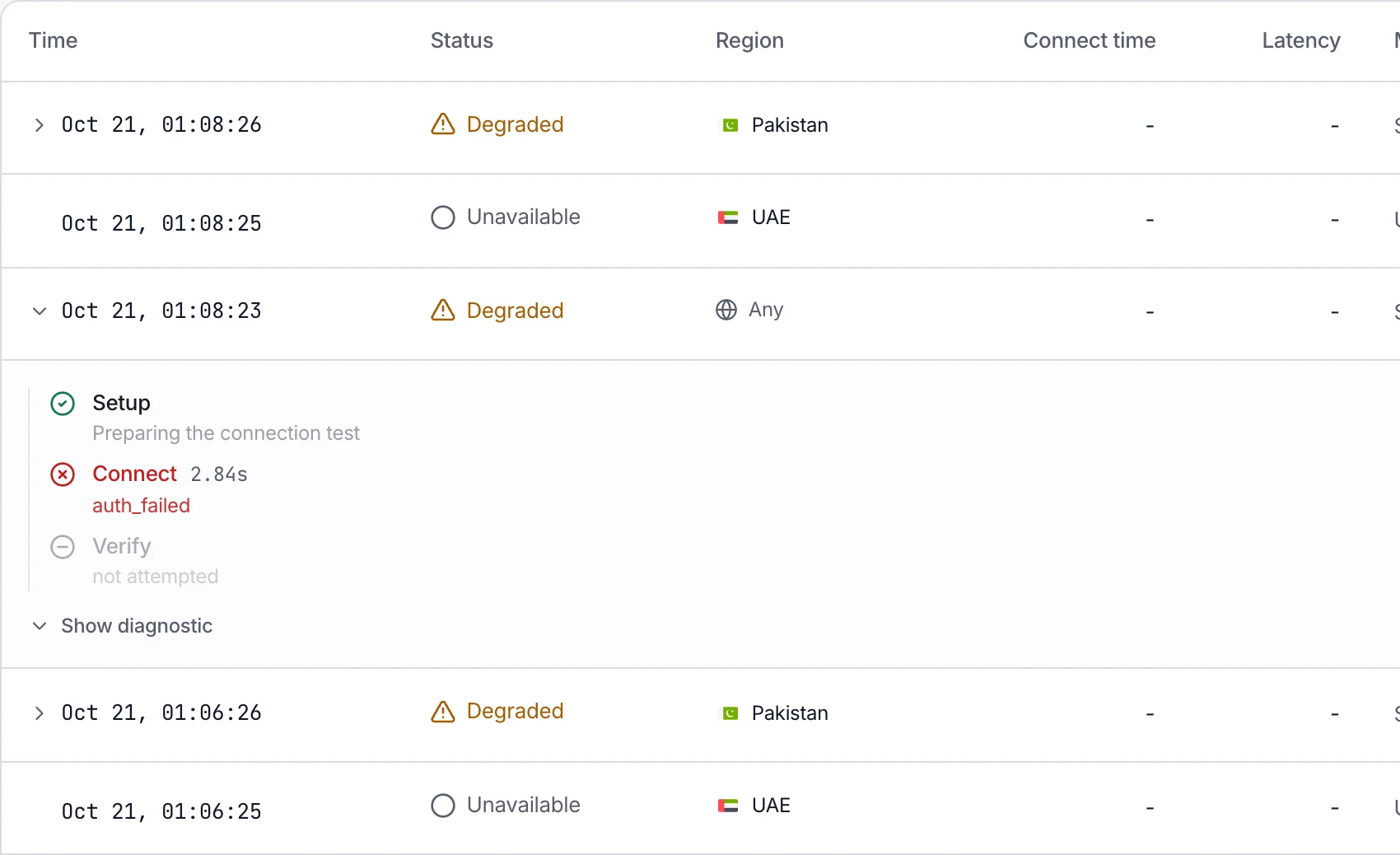
A region that can't run checks shows Unavailable rather than Healthy, and recovery alerts for tunnels tested from several regions are sent again.
- Fixed
WireGuard and AmneziaWG checks always connect to the [Peer] Endpoint, never the [Interface] Address.
- Improved
Up and down alerts name the server's VPN protocol.
- Improved
A top bar for switching workspace and project on desktop, and smoother tabs, toggles and menus.
- Improved
A redesigned Add server dialog, and a Paused tile beside the other status counts.
August also brought security fixes for API keys, webhooks and sign-in.